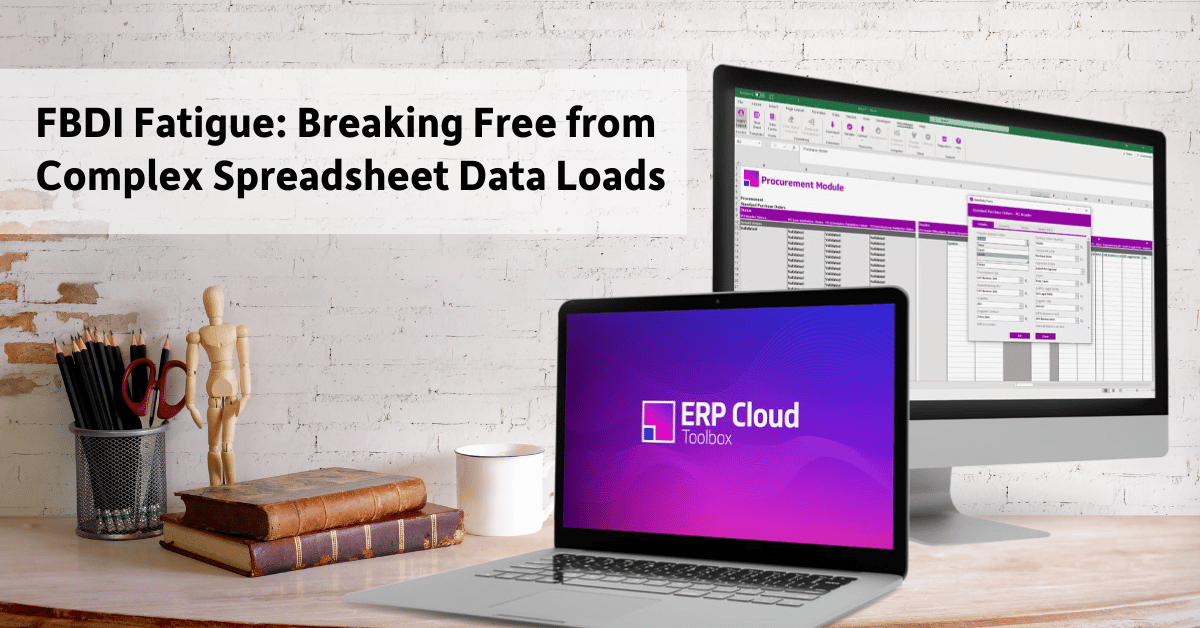
Webinar Recording | 40 Minutes
In this session, we break down how FBDI works in real-world environments and highlight common challenges like rigid workflows, file complexity, and limited update functionality. You'll also see a side-by-side comparison with More4apps, showcasing a more intuitive, Excel-based approach to managing high-volume data updates.
Webinar Recording | 60 Minutes
In this recorded webinar, Bill Jelen, also known as MrExcel, walks through the newest Excel features that can immediately improve how you work in Microsoft Excel. Whether you're a daily Excel user or a power user, this session will help you stay current, work smarter, and get more from Excel.
Webinar Recording | 60 Minutes
In this session, you'll learn about current EBS market trends, new enhancements, and proven strategies to streamline critical data loading activities such as pre-project planning, data cleansing, or preparation for future business needs such as ERP Cloud migrations.
Webinar Recordings
Back by popular demand - End User Education Day offers product trainings and best practices for Oracle end users. Watch one, two, or three virtual sessions!
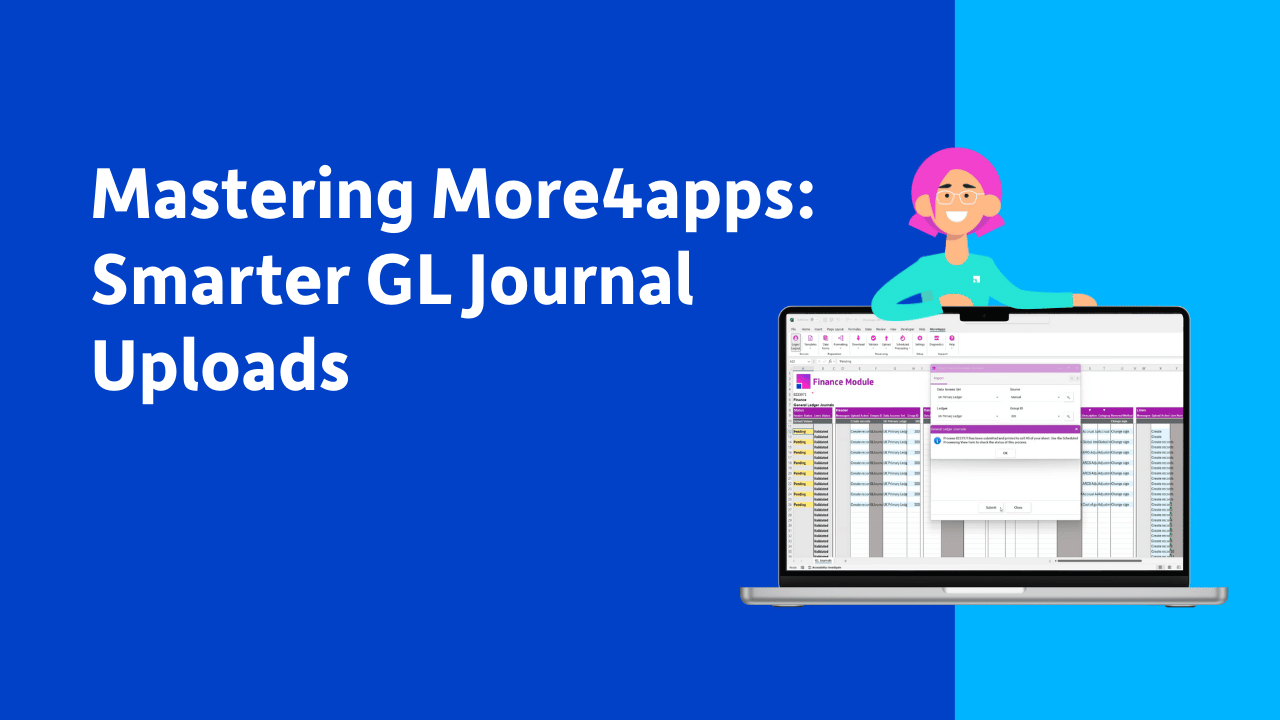
Webinar Recording | 30 Minutes
Join More4apps expert Rachana Haste for a 30-minute walkthrough of the new GL Journal integrator in the ERP Cloud Toolbox. Learn how to upload journals across multiple ledgers in one sheet, use batches or individual entries, and pick up time-saving tips.
Webinar Recording | 60 Minutes
Join Excel legend Bill Jelen (MrExcel) for a live, one-hour session and see how Microsoft Copilot uses AI to transform how you build, clean, and analyze data. From generating smart tables to fixing messy lookups and even snapping a photo of data to drop into Excel, AI is your new power tool.