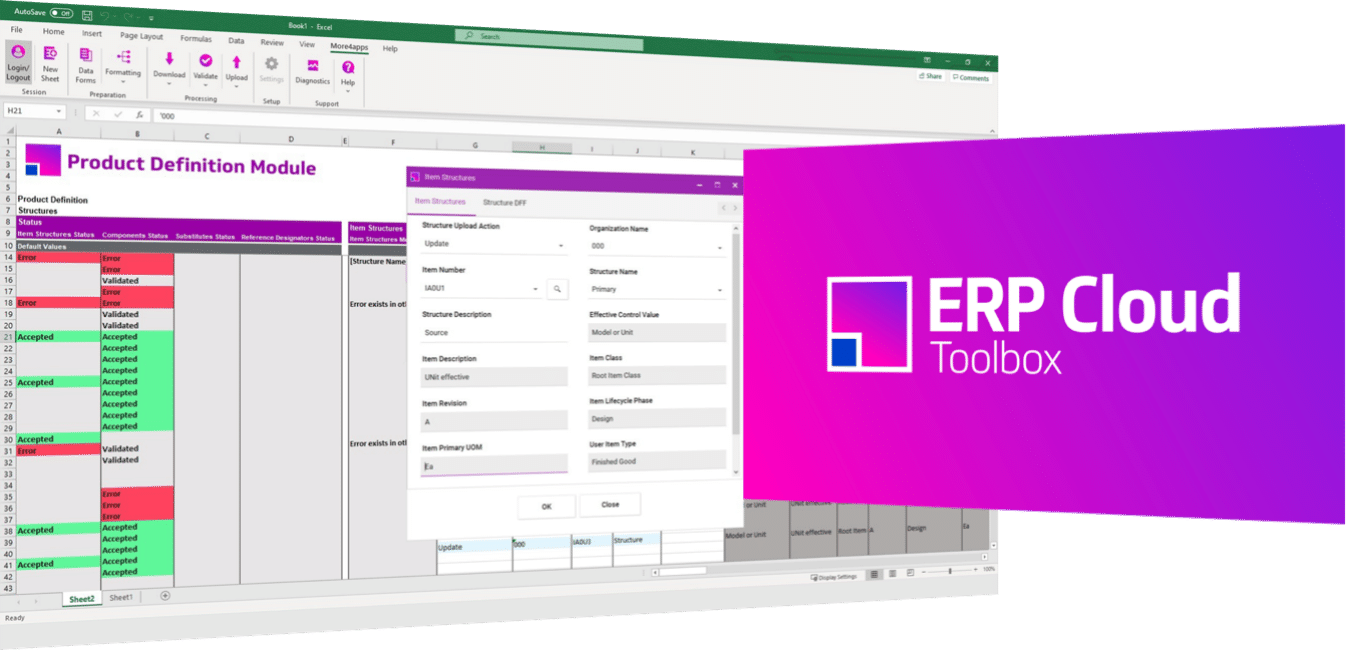
With the Product Definition Module, users can streamline Oracle Fusion Cloud data entry to track and handle manufacturing processes more easily and effortlessly.
Achieve faster time-to-market when launching and onboarding products to experience increased confidence and loyalty with external trading partners and internal procurement, sales, and manufacturing teams.
Refine item and structure data entry outcomes in Oracle manufacturing from an Excel spreadsheet.
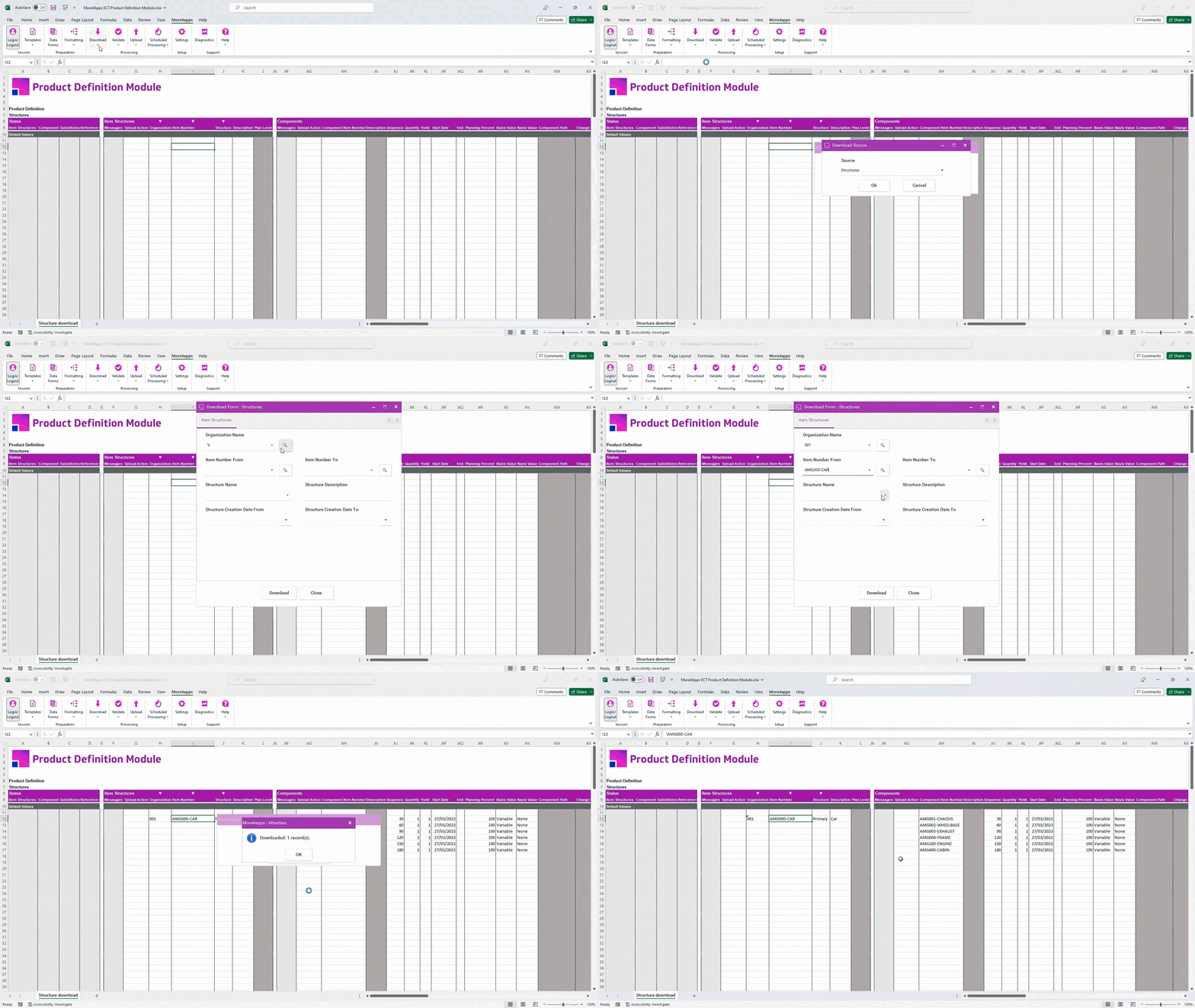
See the whole picture in a pre-integrated Excel spreadsheet.
Sign-up for a custom demonstration!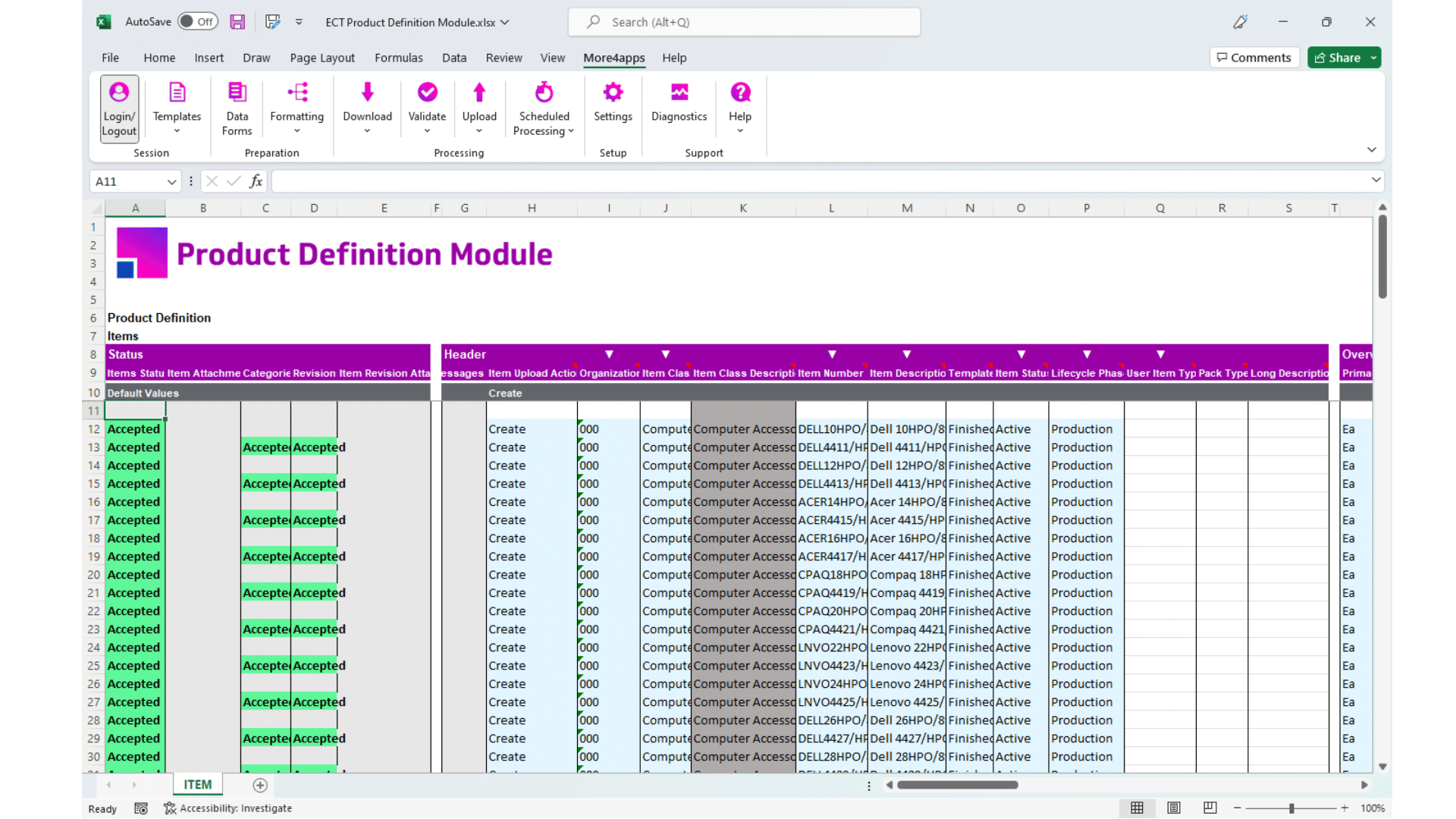
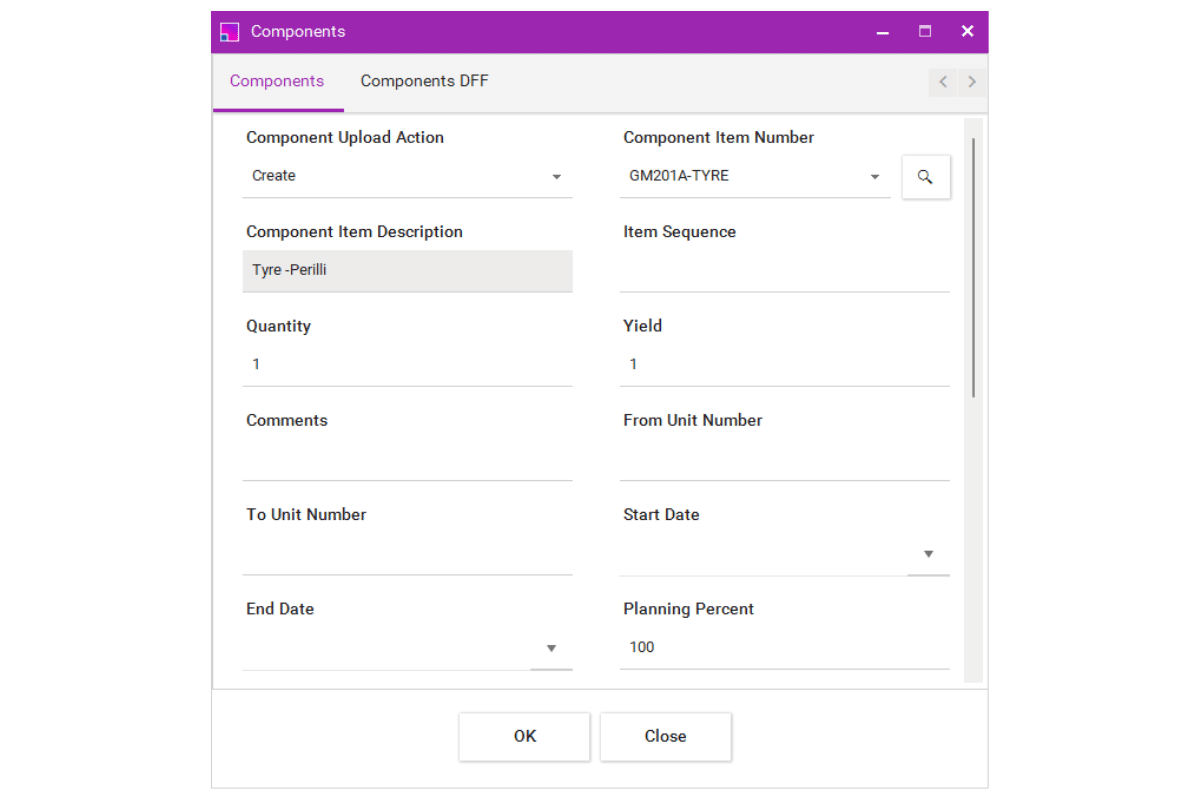
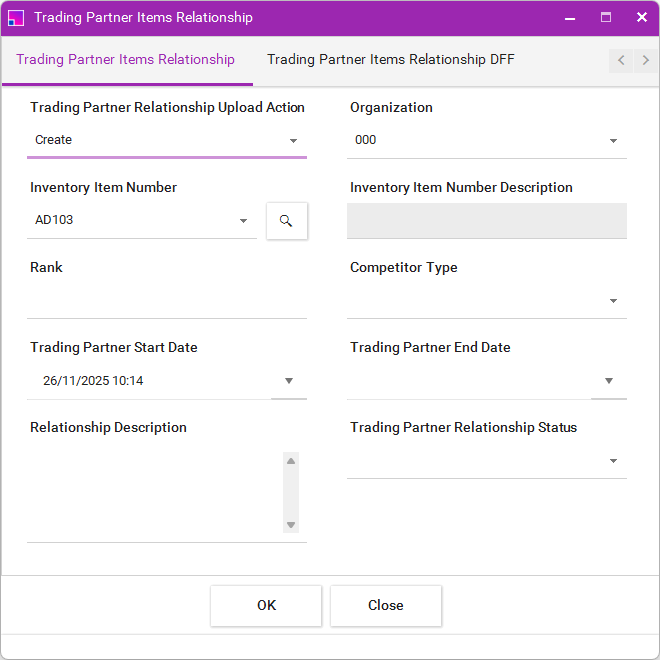
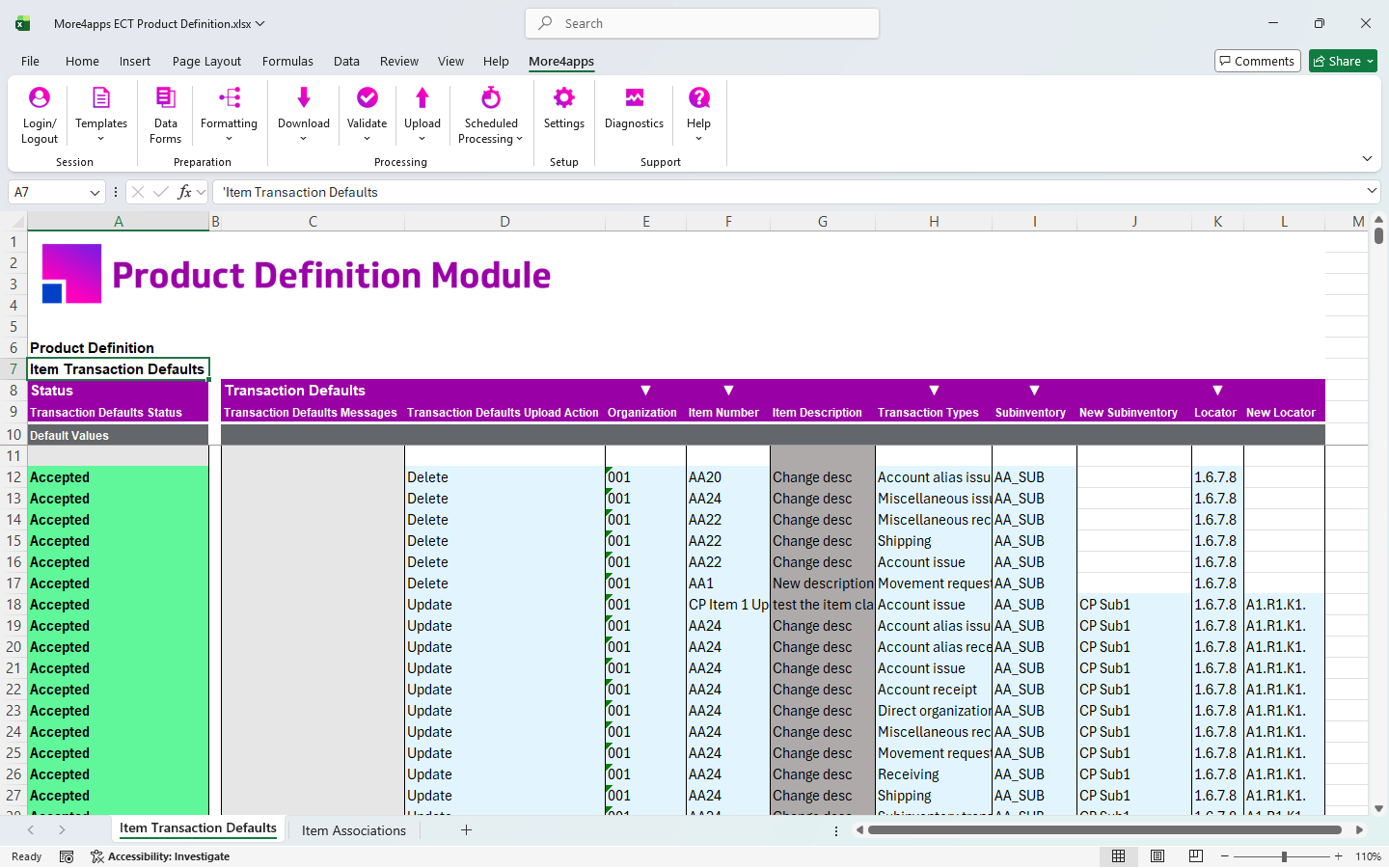
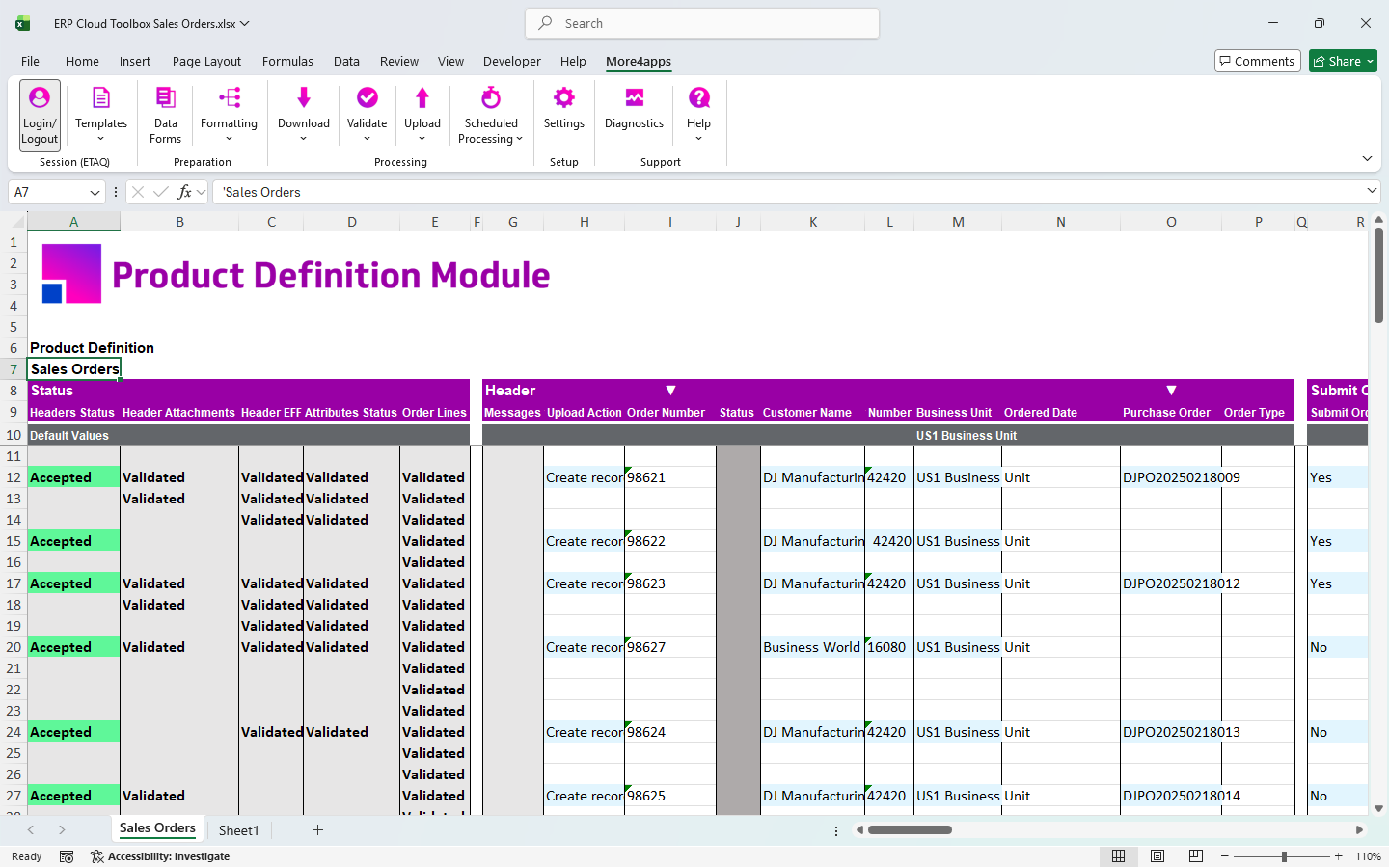
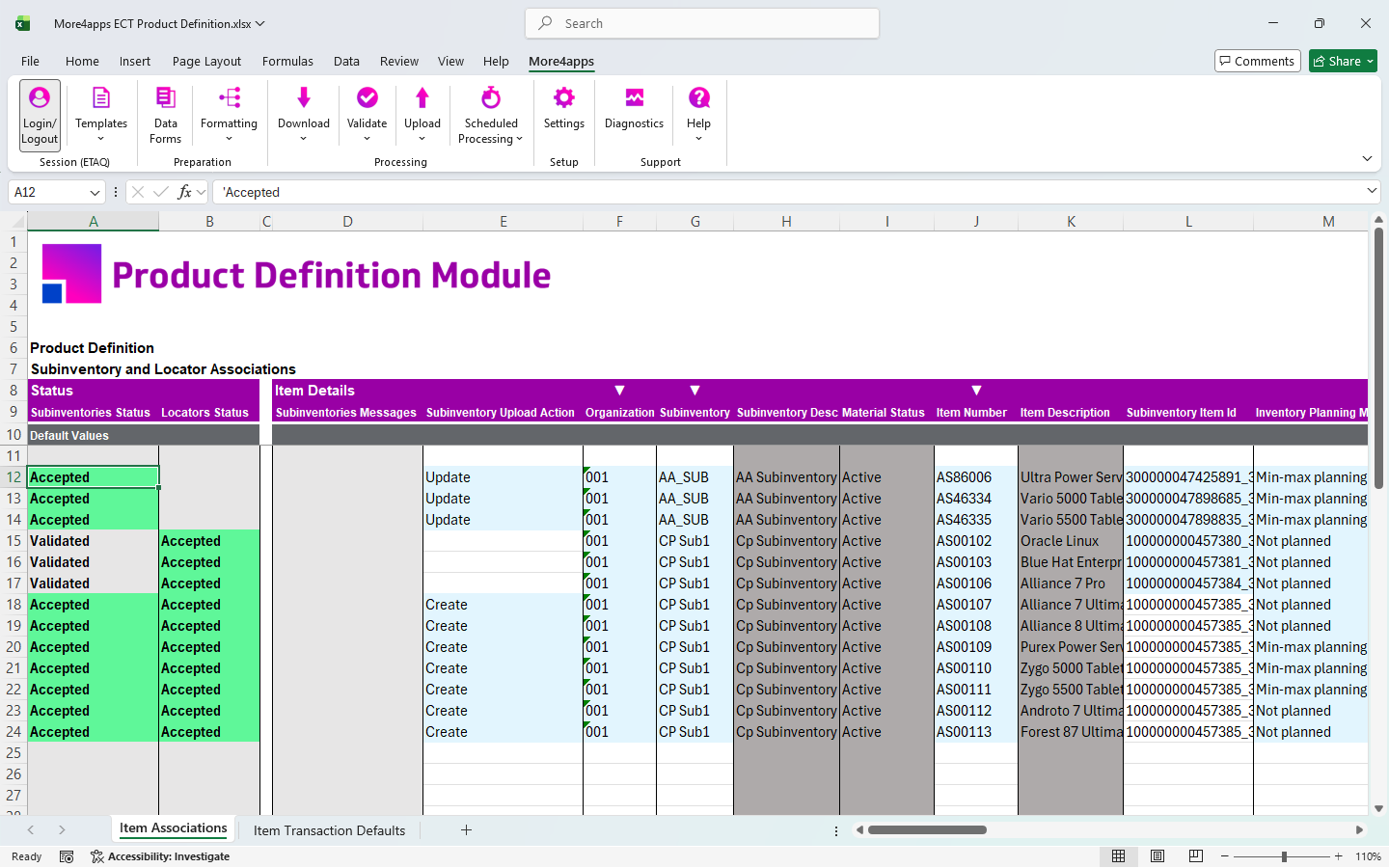
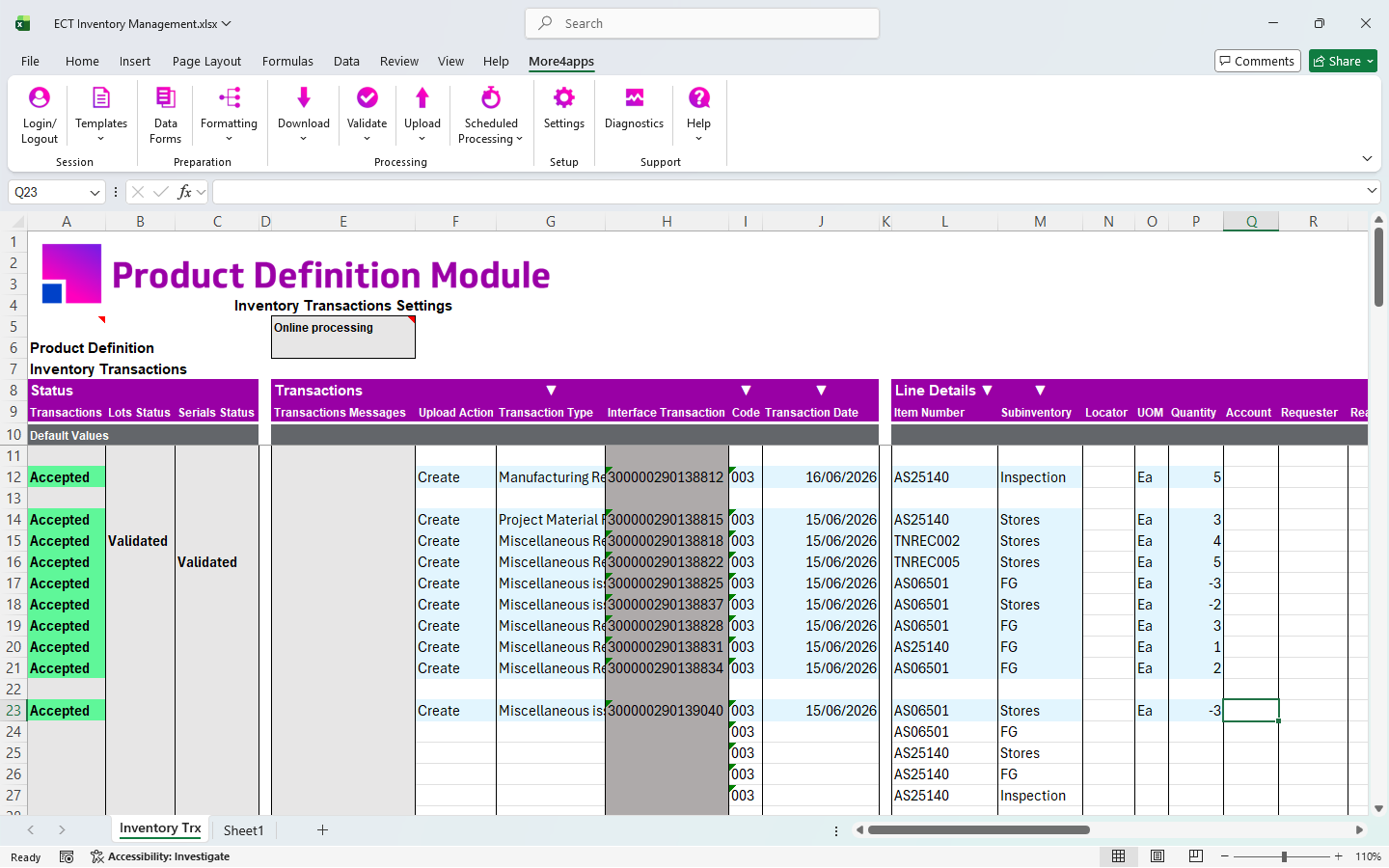
Quickly and easily download products from the More4apps Community!
Download here
A Simple User-Oriented Upload Process
Item Creation and Updates

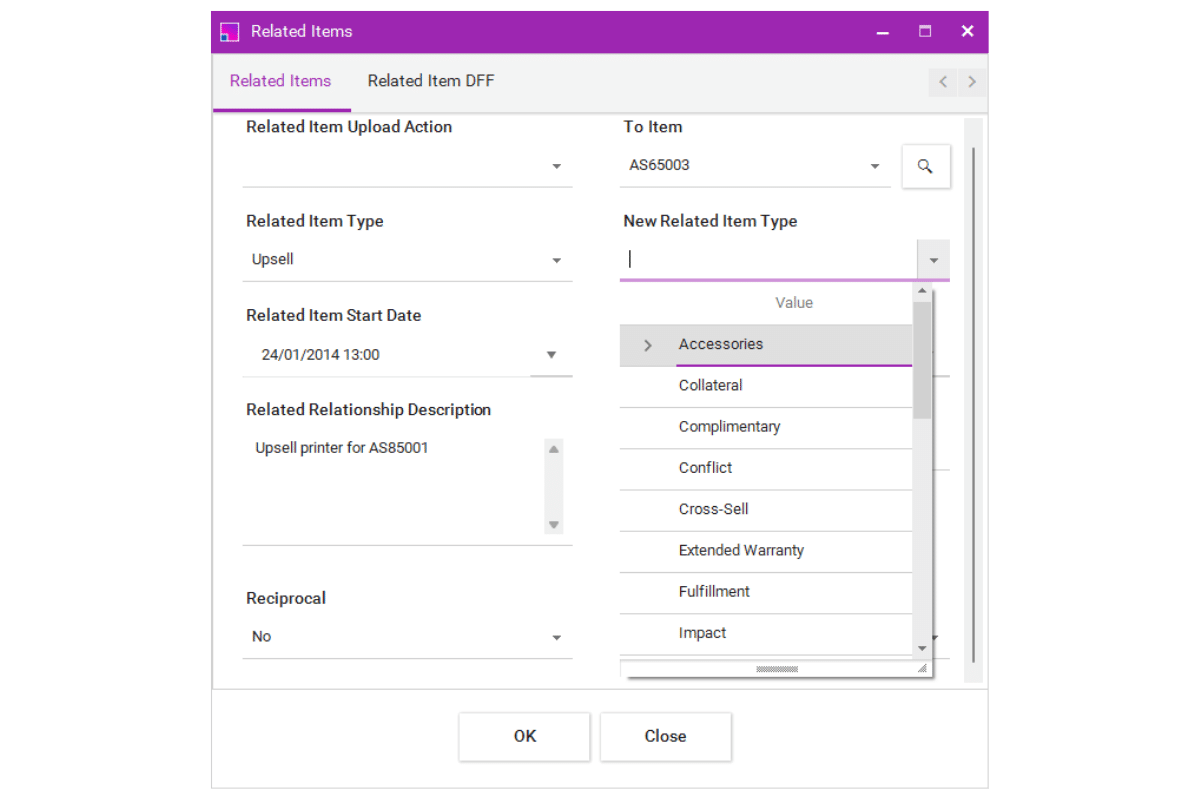
Item Relationship Management

Item Structures (formally Bills of Materials/BOMs)

Flexible Item Structure Downloading

Trading Partners

Sales Orders

Item Transaction Defaults

Item Associations

Price Lists

Inventory Transactions

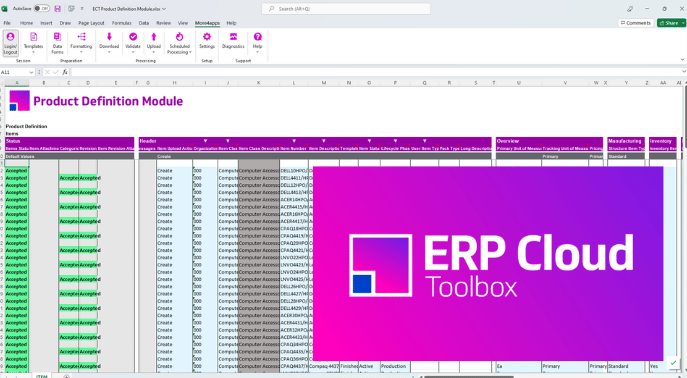
Organizing and preparing item details and complicated structure component hierarchies is difficult in the Oracle forms. The navigation is complex, so it’s hard to see what is in the system versus what is missing.
With the More4apps Product Definition Module, you see the whole picture in pre-integrated Excel spreadsheets that follow the existing Oracle security and dynamically adapt to your system setup and business rules.
See for yourself how the More4apps ERP Cloud Toolbox stacks up against Oracle’s tools!>
| Oracle User Forms | Oracle ADFdi | Oracle FBDI |  |
|
| End-User Independence of IT Department |  |  | |  |
| Precise Error Reporting in the Worksheet | | | | |
| Download Existing Data Objects | | | | |
| All Data in a Single Worksheet | | | | |
| Real-Time Data Validation | | | | |
| Data Entry Forms | | | | |
| Customize and Save Layouts | | | | |
| Supports Mass Data Entry | | | | |
| Data Upload is Supported by Oracle | | | | |
| Oracle Secured End-User Connection | | | | |

With the right tools in place and more streamlined data entry processes , tracking and managing your manufacturing processes becomes easier and more robust.
Achieve faster time-to-market when launching and onboarding products, and experience increased confidence and loyalty with external trading partners and internal procurement, sales, and manufacturing teams.
Complete the form to request a custom demonstration!